How I Use AI Across My Workflow (and What Each Tool Is Actually Good For) — As of April 2026
AI has become a core part of how I build and run products.
Not in a way where one tool does everything — but more like a small system, where each tool has a clear role and responsibility.
Some parts of this system are already deeply integrated into how I work every day. Other parts I'm intentionally designing — especially around my future social media marketing system.
This is how my workflow currently looks.
Claude Cowork — The Most Underrated Tool in My Workflow
If I had to highlight one tool that still feels very underrated and underused, it would be Claude Cowork (Cloud Cowork).
Once you enable the Cloud Cowork setup, it can — depending on permissions — access your desktop, your browser, and your files. This changes the role of AI quite significantly.
It's no longer just something you ask questions.
It becomes something you can work with.
What it already does in my workflow
I already use Cloud Cowork as part of my daily workflow, especially for tasks that are:
- structured
- multi-step
- or require consistency over time
For example, I use it for research, document-related workflows, and processes that would normally require me to switch between multiple tools and tabs.
One of the more practical outcomes is that it already supports around 50% of my monthly accounting workflow. Tasks that used to require manual attention are now partially structured and automated.
I also use it for text-based tasks — reading, structuring, and summarizing information in a way that makes it easier to act on.
Over time, I started treating it less like a tool and more like an intern I'm training. I define how I want things to be done, refine that over time, and reuse it.
This connects to the way I already build SaaS products from scratch — clarity first, then structured iteration.
Where I'm taking it next
Right now, I'm using Claude Cowork mainly to build my social media marketing system.
Not to execute it yet — but to:
- research directions
- structure the strategy
- define workflows
- explore how tasks should connect
This is the phase where I design how things should work before actually running them.
What makes this especially powerful is that Cowork is not limited to text. Within Cloud Cowork, you can integrate and use extensions like:
- Canva
- browser-based tools
- and other connected services
This opens up a much broader range of use cases beyond typical AI chats.
A small but important note
Cloud Cowork is not immediately obvious when you install it.
Once you subscribe, there is a tab where you can switch to Cloud Cowork, which doesn't appear in the free version.
It's a small detail, but important — because that's where the real capability starts.
ClawHub — Extending Instead of Starting From Zero
One thing I try to avoid is starting everything from scratch.
That's where ClawHub comes in.
Instead of building systems entirely on my own, I explore existing "skills" and use them as a base. From there, I adapt and extend them to fit my needs.
This approach feels much more natural and efficient.
For example, I'm currently building my AI social media marketing manager this way — not by inventing everything, but by combining and shaping existing building blocks.
It's still in progress, but it already gives structure to something that would otherwise feel vague.
ChatGPT — Thinking, Writing, and Making Things Click
ChatGPT is still my main thinking partner.
It's where most ideas start — not because it gives perfect answers, but because it helps bring structure to things that are still unclear.
I use it for brainstorming, writing, summarizing, and refining ideas. It's especially useful when I need to turn something vague into something I can actually move forward with.
Recently, I used it in a more personal way.
I did my Enneagram personality test and gave the results to ChatGPT, asking it to integrate that into my marketing approach.
That helped me shift away from trying to follow generic strategies, and instead move toward something that actually feels aligned with how I think and communicate.
For me, ChatGPT is less about output — and more about clarity.
Perplexity — Real-Time Data and Fast Validation
Perplexity plays a very different role.
I use it when I need current, reliable information. Instead of opening multiple sources, I use it to quickly understand what's happening, validate ideas, or get a clear overview of a topic.
It's especially useful when working on things that depend on up-to-date context.
I also think about it from a product perspective.
Whenever I need real-time data inside a tool, Perplexity becomes relevant — especially when thinking about APIs and dynamic features.
Comet — User Testing That Actually Feels Real
One of the most practical parts of my workflow is using Comet for testing.
Instead of just looking at my product as the creator, I ask Comet to behave like a new user.
For example, I let it:
- create a new account
- use a throwaway email
- go through the full experience from the landing page to the core features
What comes out of that is often surprisingly useful. It highlights friction, unclear steps, and moments where the experience breaks or feels confusing.
But the most valuable part is what happens next.
I ask it to turn that feedback into a prompt — something I can directly use to improve the product.
This creates a very efficient loop: test → feedback → improvement.
Gemini (and Nano Banana) — Visual Exploration Inside the Workflow
For anything visual, I mainly use Gemini, and I'm starting to explore Nano Banana setups as part of that.
What's important for me is not just the tool itself — but how it fits into my workflow.
I'm using Gemini not as a standalone tool, but integrated within my Cloud Cowork setup. This allows me to:
- generate visuals
- explore branding directions
- create content assets
- and directly connect them to other tasks and workflows
Instead of jumping between tools, everything becomes part of one system.
Looking ahead
As part of building my social media marketing system, I'm exploring how to use Gemini and Nano Banana more intentionally.
Not for random content creation — but as part of a structured, repeatable workflow.
The goal is to combine visual generation, content structure, and workflow execution into something that feels consistent, easy to maintain, and aligned with the product.
At the moment, this is still in the design phase, not fully executed yet.
Cursor & Lovable — Building the Product
For actual product development, I use Cursor AI.
It allows me to work directly in the code with AI support, which gives me much more control compared to purely generative tools.
Alongside that, I've been experimenting with Lovable, which has improved quite a lot. It's becoming more useful for quickly generating structured ideas and early product versions, especially when exploring new directions.
I wrote about how I built a full product in a day with Lovable and how a UI kit turned it into something that actually felt like a real product.
What I'm Building Next — My Social Media AI System
One part of my workflow that is still in progress is my social media marketing system.
Right now, I'm not fully using AI to execute content yet. I'm in the phase of designing the system first.
This includes:
- defining my strategy
- understanding how I want to communicate
- building the structure behind it
- connecting different tools into one flow
What I'm planning to use
Once the system is ready, I plan to use:
- Claude Cowork for workflows and execution
- ClawHub for reusable skill structures
- ChatGPT for messaging and content thinking
- Gemini (including Nano Banana setups) for visual content
The goal is to create something that feels consistent, easy to maintain, aligned with the product, and natural to use — not forced or overly automated.
The Bigger Picture
What I'm learning is that AI works best when you don't treat it as one tool.
But as a system.
Each tool has:
- a role
- a strength
- a place in your workflow
The real value comes from how you connect them and guide them.
Final Thought
AI can generate almost anything now.
But deciding:
- what makes sense
- what feels good
- what actually works
— that still comes from us.
For me, AI is not replacing that. It's supporting it.
I'm still refining this workflow — and I think we're only at the beginning of what's possible here.
Keep reading
More from the magazine
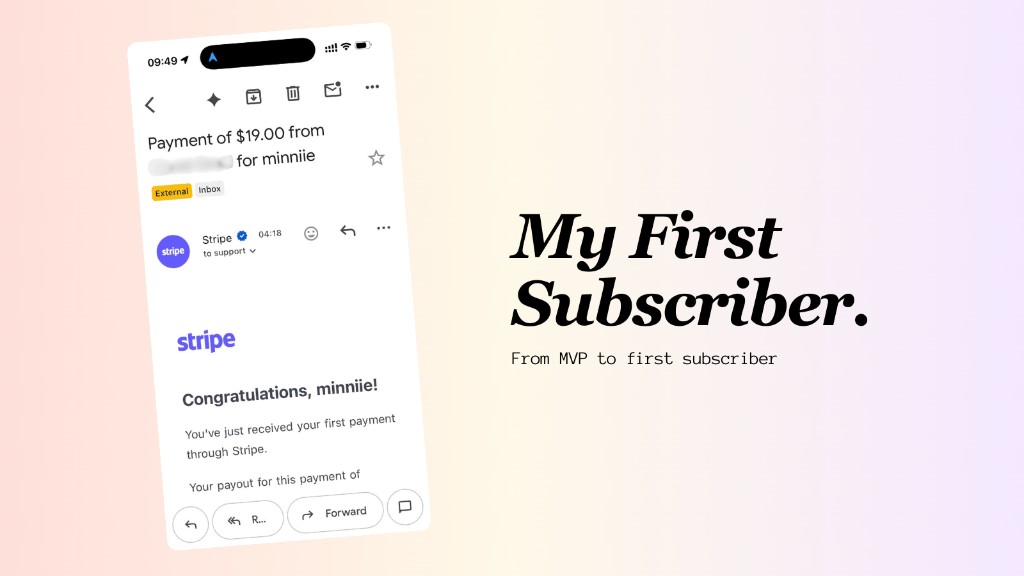
I Got My First Subscriber. Here's What Happened After I Built My MVP.
On holiday in Copenhagen, I woke up to a Stripe notification: my first minniie subscriber. Everything I did after finishing the MVP: SEO, LLM visibility, documentation as marketing, and AI-powered outreach workflows.
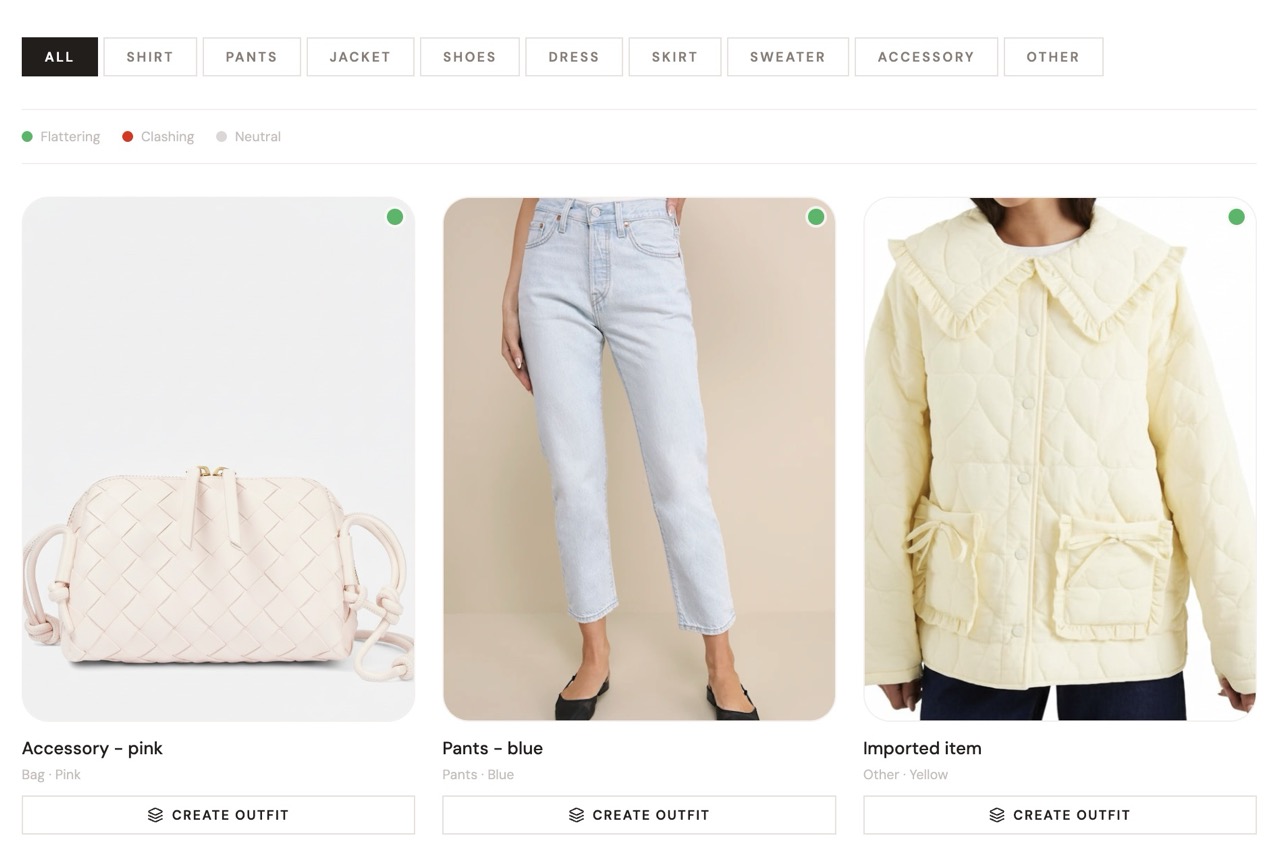
How I Built a Product in One Day With Lovable — and Turned It Into a Real Product With My UI Kit
I built a working AI product in one day using Lovable — then transformed it from a prototype into a polished product by adding my own UI kit on top.
These UI decisions doubled revenue in a real SaaS product. Now you can preview, buy and use them too.