How I Built a Product in One Day With Lovable — and Turned It Into a Real Product With My UI Kit
Building software has never been this fast.
Recently, I took advantage of a free usage day offered by Lovable for International Women's Day and decided to experiment with building a small product.
What started as a quick experiment turned into something much more interesting: I built a full working product in a single day.
But the most interesting part wasn't the AI-generated code.
It was how adding a UI kit completely transformed the product from a generated prototype into something that actually looked like a real SaaS product.
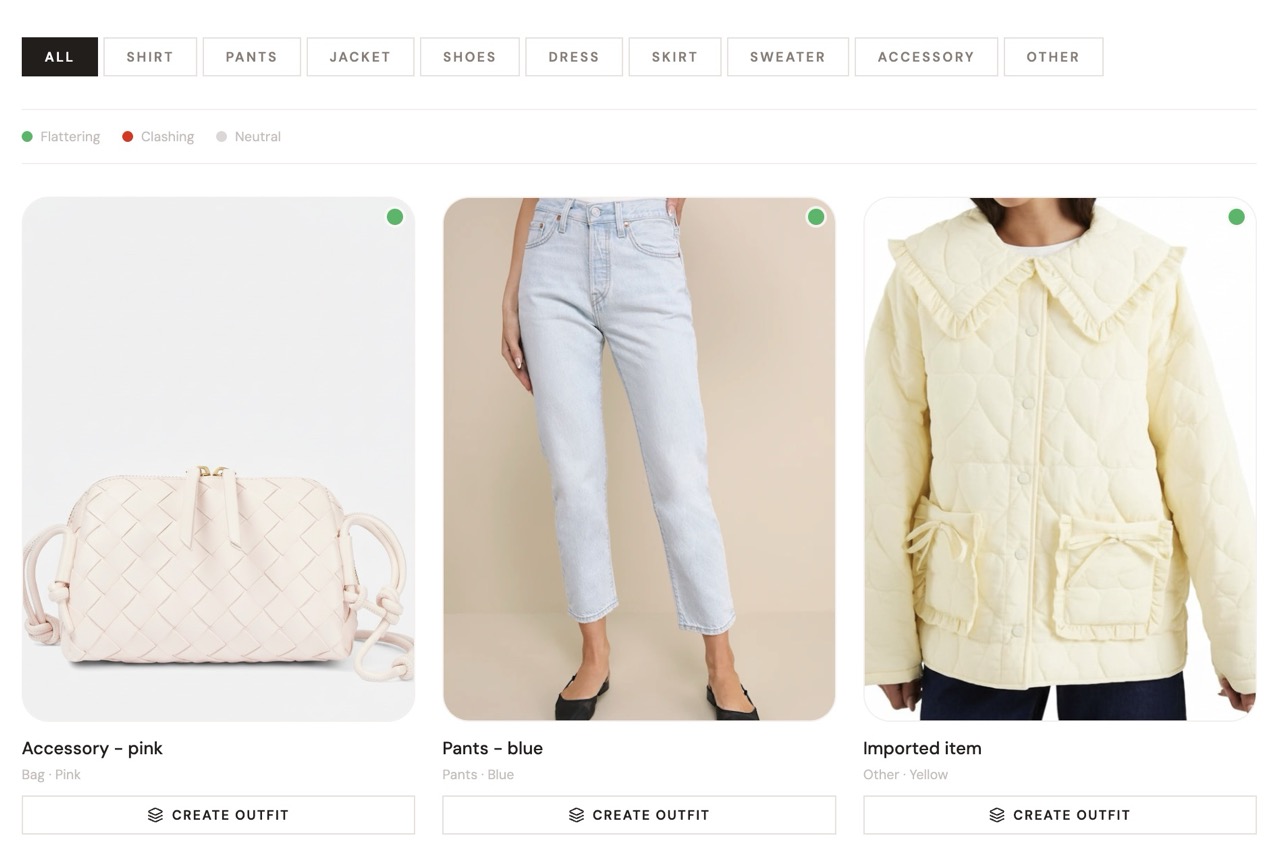
The Idea: An AI Wardrobe Stylist
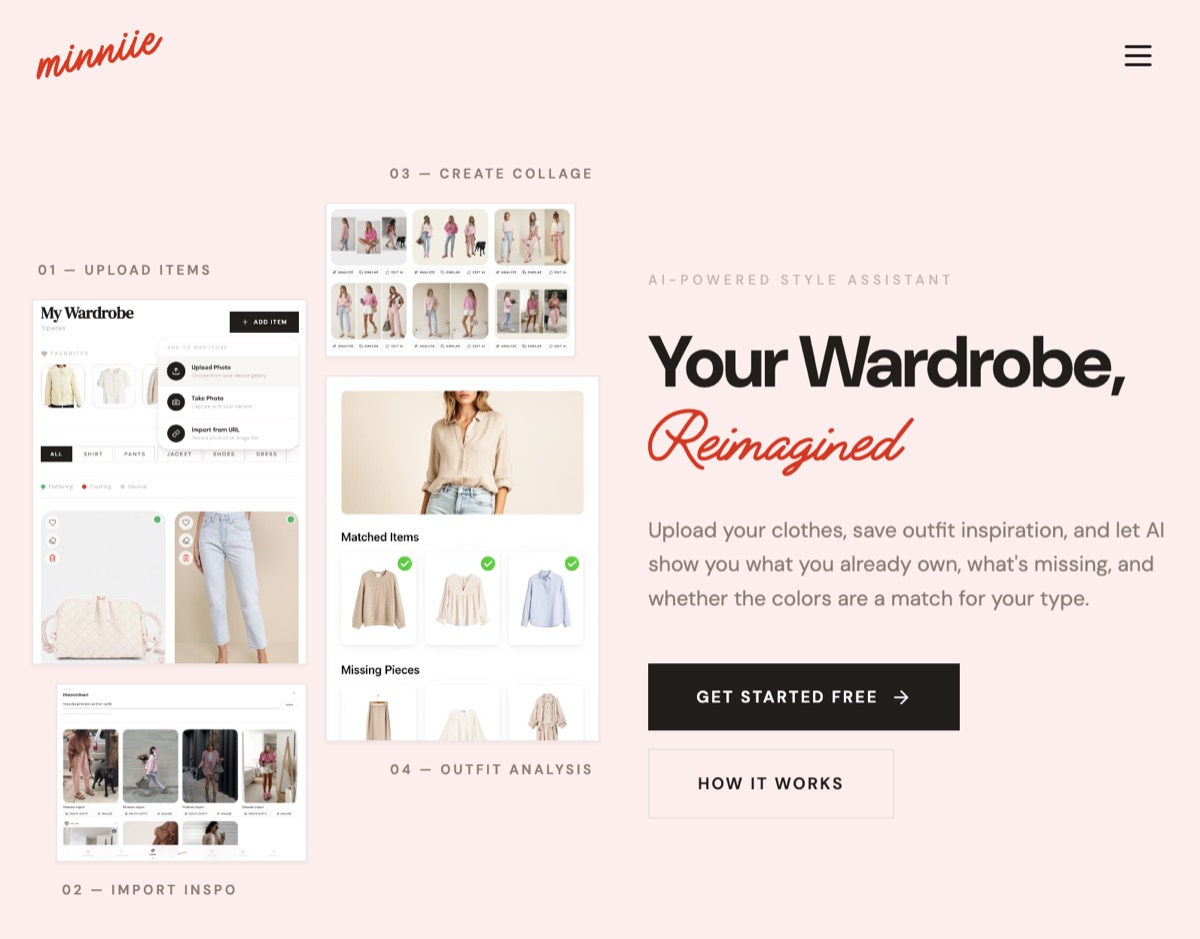
The project I built is called minniie — an AI wardrobe assistant.
The idea came from a problem I personally have.
Like many people, I save a lot of outfit inspiration on Pinterest. But translating those inspirations into actual outfits using the clothes I already own is surprisingly difficult.
Most wardrobe apps are either:
- too complex
- too generic
- or not visually helpful
So I built a tool that lets you:
- upload pieces from your wardrobe
- import outfit inspiration (including Pinterest boards)
- analyze personal color profiles
- see which wardrobe pieces match your color palette
- generate outfit collages
- identify missing pieces in your wardrobe
Lovable handled a large part of the infrastructure and product logic, which made building the initial version incredibly fast.
But something was still missing.
The Problem With AI-Generated Interfaces
AI tools are getting very good at generating code and basic UI structures.
But the result often looks exactly like that: generated UI.
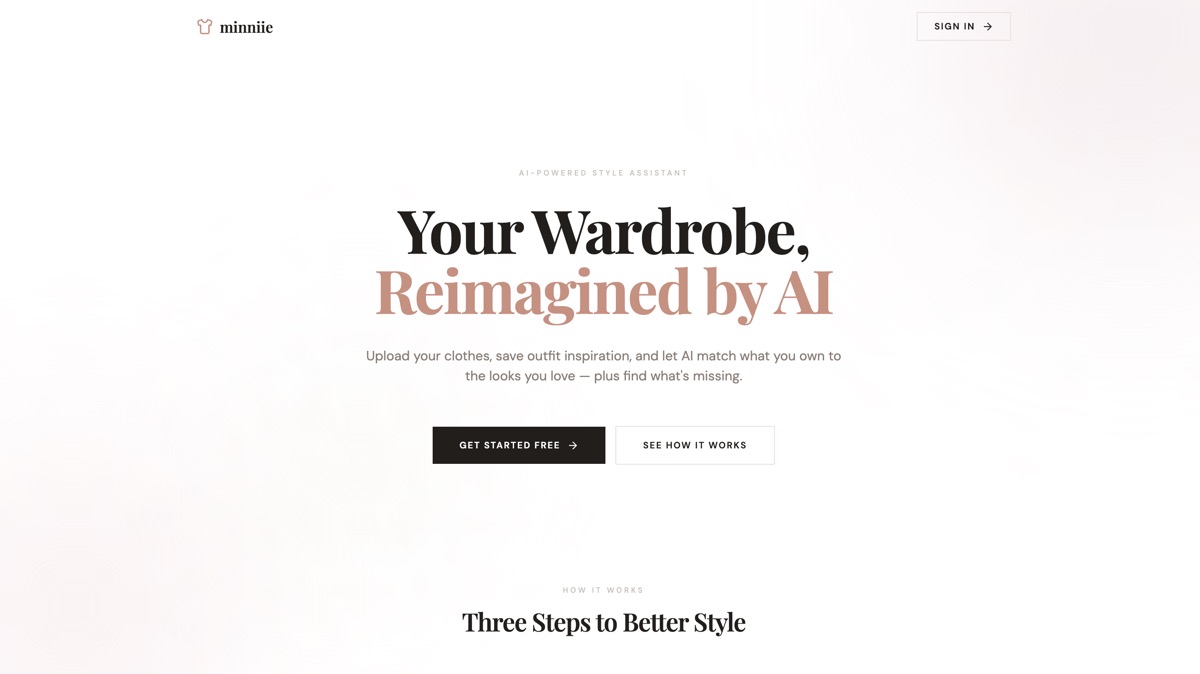
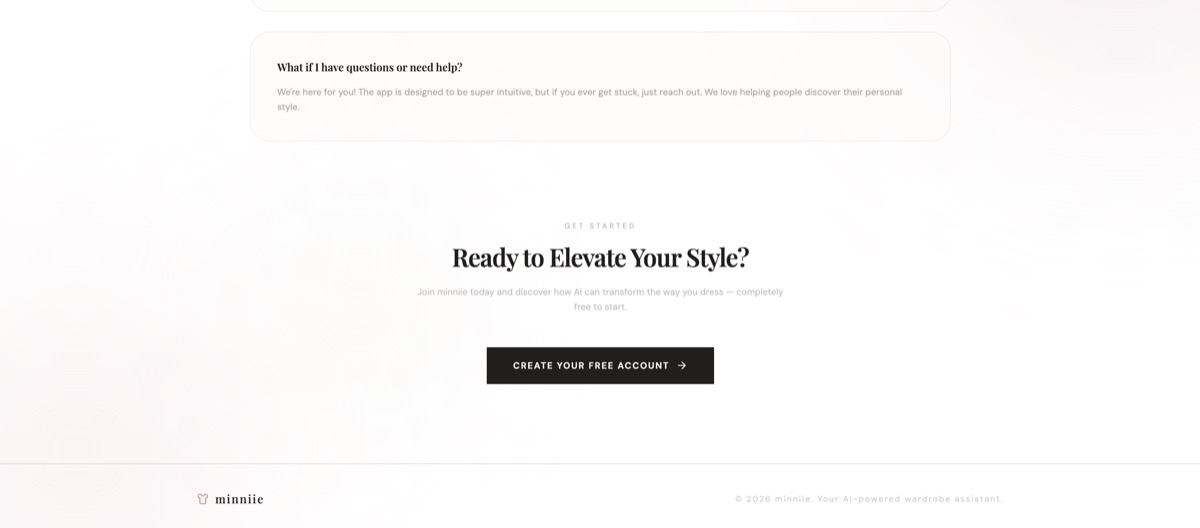
Many AI-built apps share the same characteristics:
- generic layouts
- weak hierarchy
- missing conversion elements
- lack of visual polish
This is where many AI-built products still struggle.
You can build functionality quickly, but turning it into something that feels like a real product still requires design decisions.
Adding My UI Kit on Top of Lovable
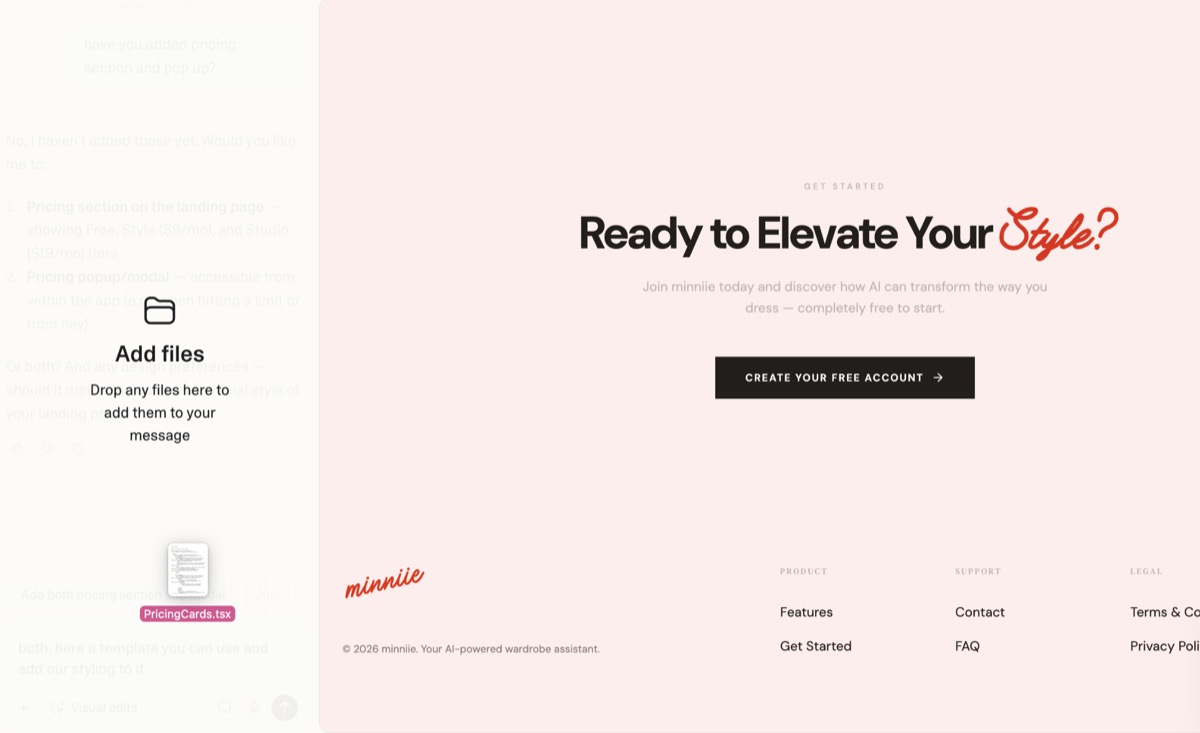
Instead of designing everything from scratch, I used my own ItsMarta UI kit on top of the Lovable-generated project.
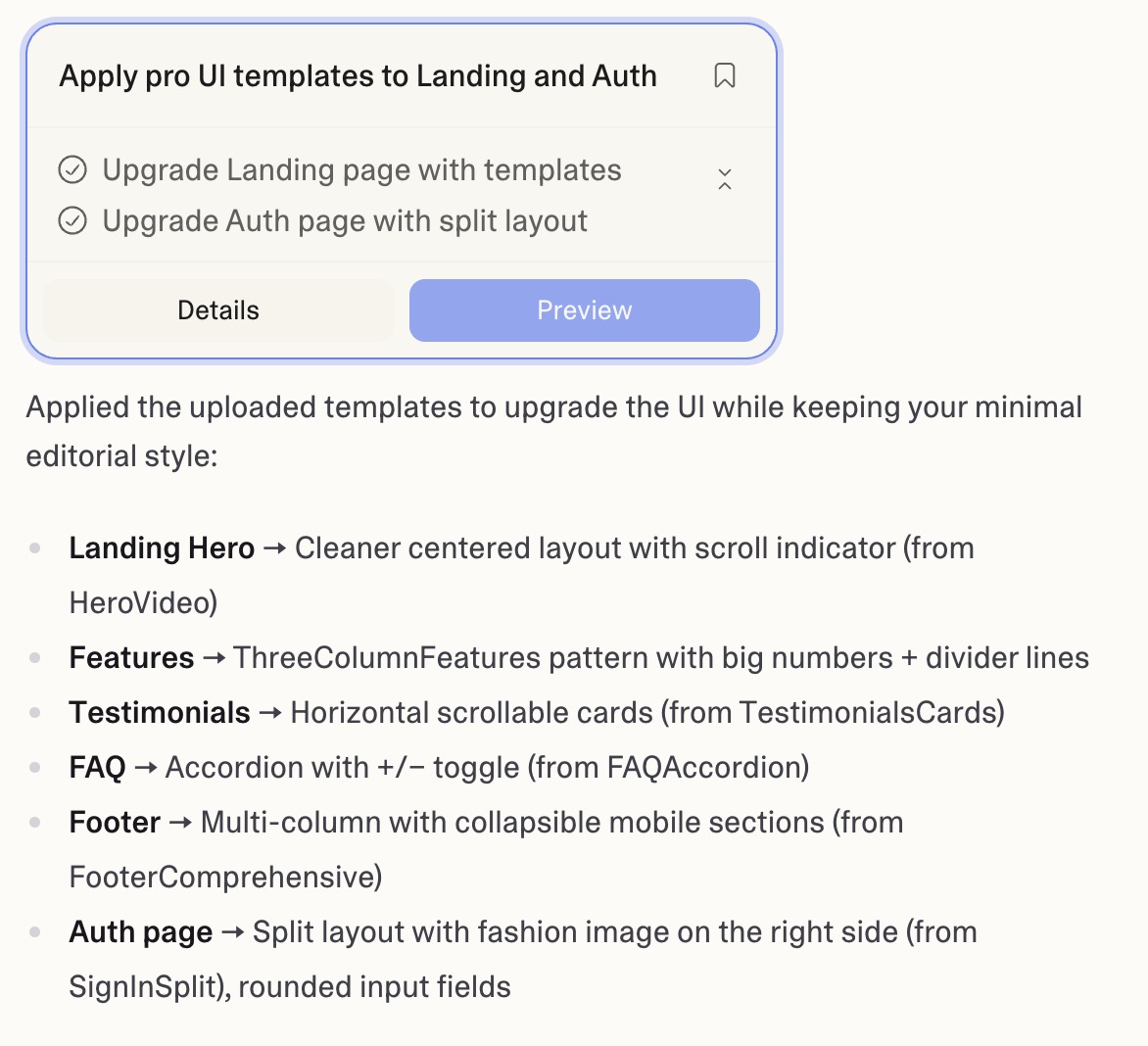
This immediately changed the entire appearance of the product.
Within a short time I added:
- a proper navigation structure
- a product footer
- FAQ section
- social proof blocks
- social cards for content and inspiration
- structured content templates
For the logo and color concept I used Canva, and added a custom font to give the UI a more distinctive, playful feel.
These are the kinds of elements that AI-generated apps often skip — but they make a huge difference when turning a prototype into a product.
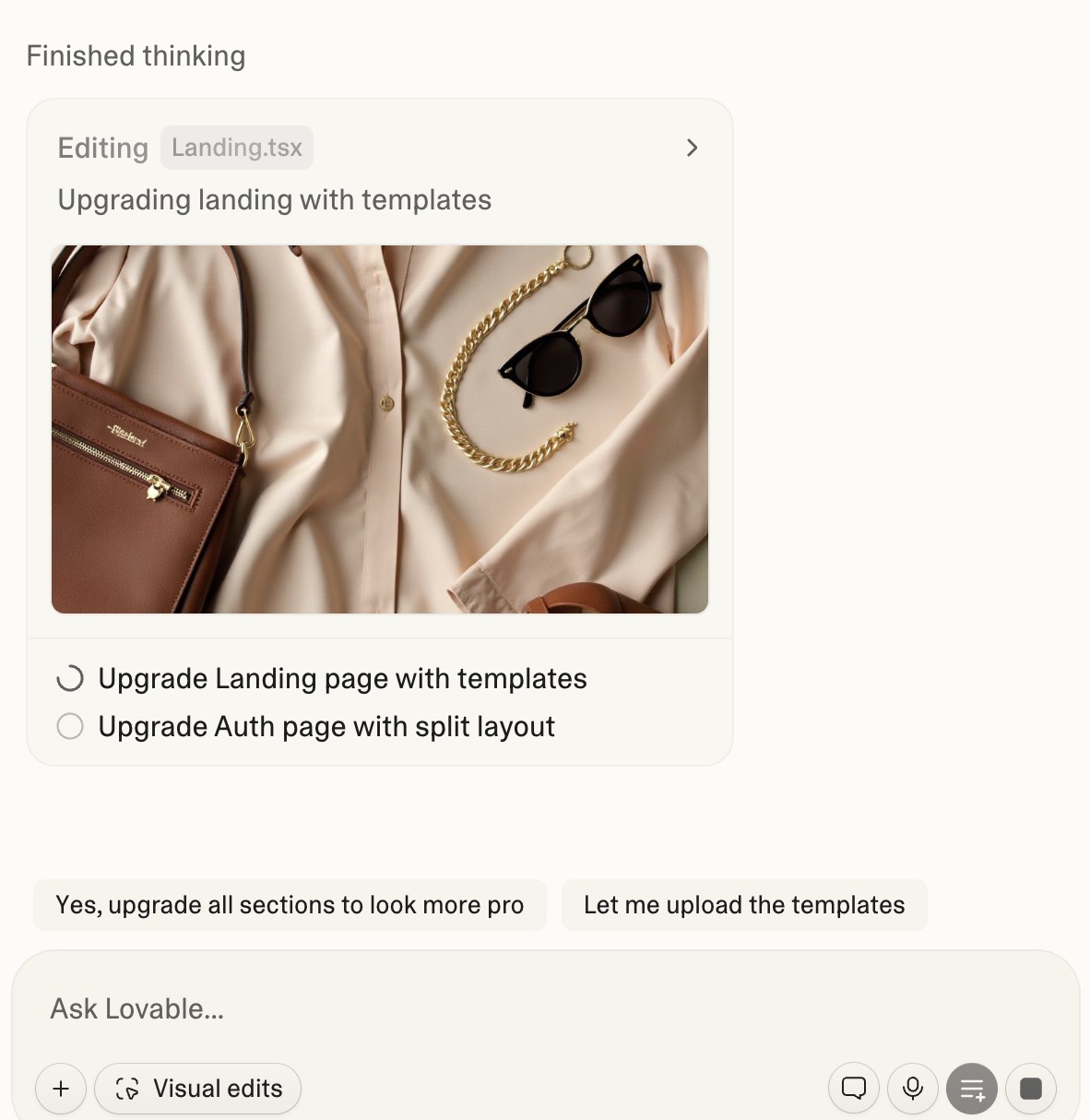
The process was surprisingly simple. I added my UI template files directly into the Lovable project and used a single prompt:
"I've added UI templates in these files. Please integrate them into the appropriate sections to improve the overall UI. Keep the existing style (square black buttons, minimal editorial aesthetic), but use the templates to enhance elements like the footer, hero section, and sign-in page."
Because these components were already pre-designed and production-tested, integrating them into the project was surprisingly easy inside Lovable.
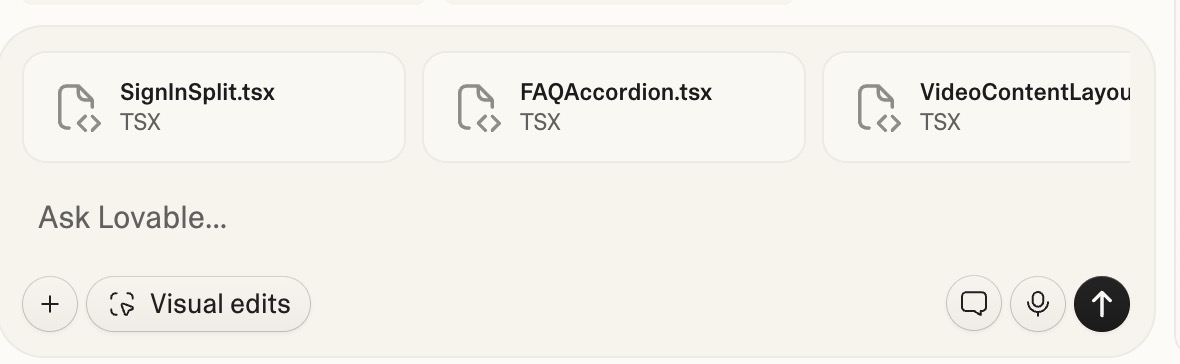
Instead of spending hours designing layouts or components, I could simply add the structure and focus on the product experience.
Why UI Kits Matter More Than Ever
AI is making product development incredibly fast.
But speed creates a new challenge.
When everyone can generate products quickly, the difference between:
- a prototype
- and a real product
comes down to design quality and product thinking.
UI kits solve several problems at once:
- They provide a consistent design system
- They speed up product development
- They make AI-generated apps look more intentional and professional
This is especially useful for developers and builders who are "vibe coding" with AI tools but still want their products to look polished.
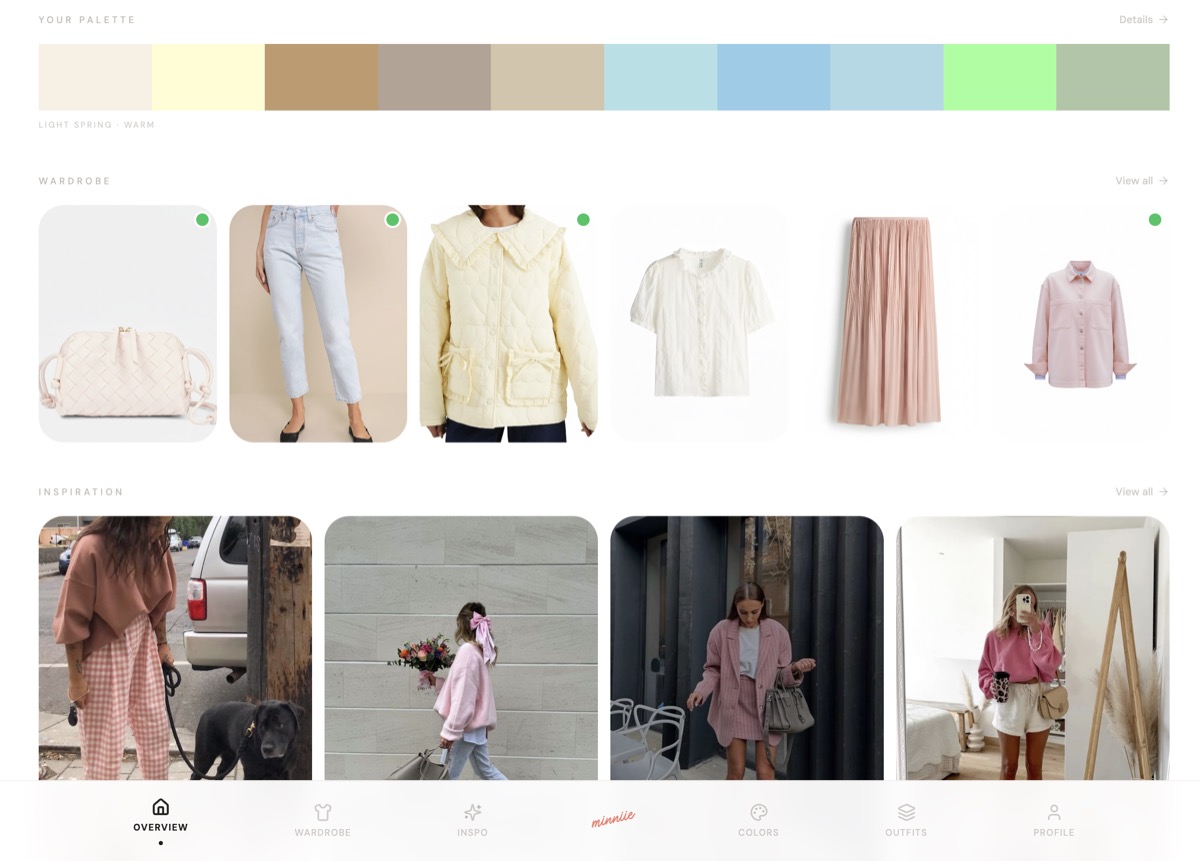
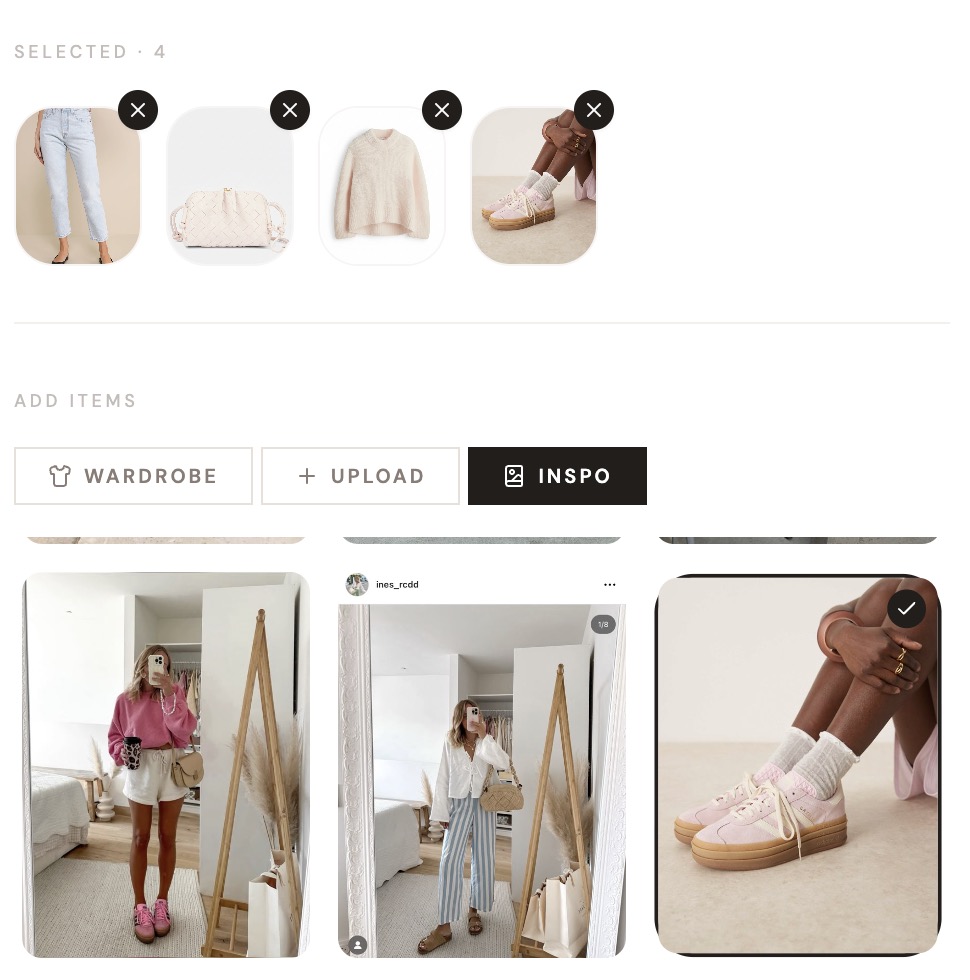
minniie – my AI-Powered Style Assistant I built within a day
The Role of Product Builders Is Changing
While building this project, one thing became very clear.
The role of building products is shifting.
It's no longer only about writing code.
Instead, it's becoming a combination of:
- guiding AI systems
- structuring the product
- designing the experience
- deciding what actually matters
AI can generate components, pages, and logic.
But it still needs direction.
And that direction is where product designers and founders create value.
Building Is Fast. Distribution Is Still Hard.
Today, it's possible to build functional products in a single day.
But building is only the first step.
The real challenge remains the same:
- finding the right niche
- solving a meaningful problem
- reaching the right users
AI tools are lowering the barrier to building software, but good product thinking still matters more than ever.
Tools like Lovable are changing how quickly products can be built.
But the difference between something that works and something that feels like a real product often comes down to design structure.
Adding a strong UI foundation can turn a generated prototype into something people actually want to use.
And that's exactly what happened in this small one-day experiment.
Let me know what parts of this project you'd like in a kit.
These UI decisions doubled revenue in a real SaaS product. Now you can preview, buy and use them too.