Best SaaS UI Design Templates for Developers Building SaaS (2026 Guide)
Yes, AI can code. But let's be honest — right now even the best AI tools can't fully take the design load off builders who want a good-looking, cohesive product UI.
I've tried all the major AI tools out there. They can definitely help, but none of them can produce a perfect interface without hours of tweaking. If you want something that actually looks polished, responsive, and conversion-ready, you still have to sit on it and refine it yourself.
And that process can be slow. You can easily spend weeks designing dashboards, landing pages, pricing sections, and onboarding flows before even launching your product.
I've worked on several SaaS projects from zero to revenue, and I know how much work it takes to get there. Sometimes the smallest details make the biggest difference — a background color, a font size, button shapes, spacing, or padding.
After a while I noticed something interesting: I kept reusing the same high-performing sections across my projects.
So I started organizing them into React Tailwind SaaS UI kits to make my own life easier.
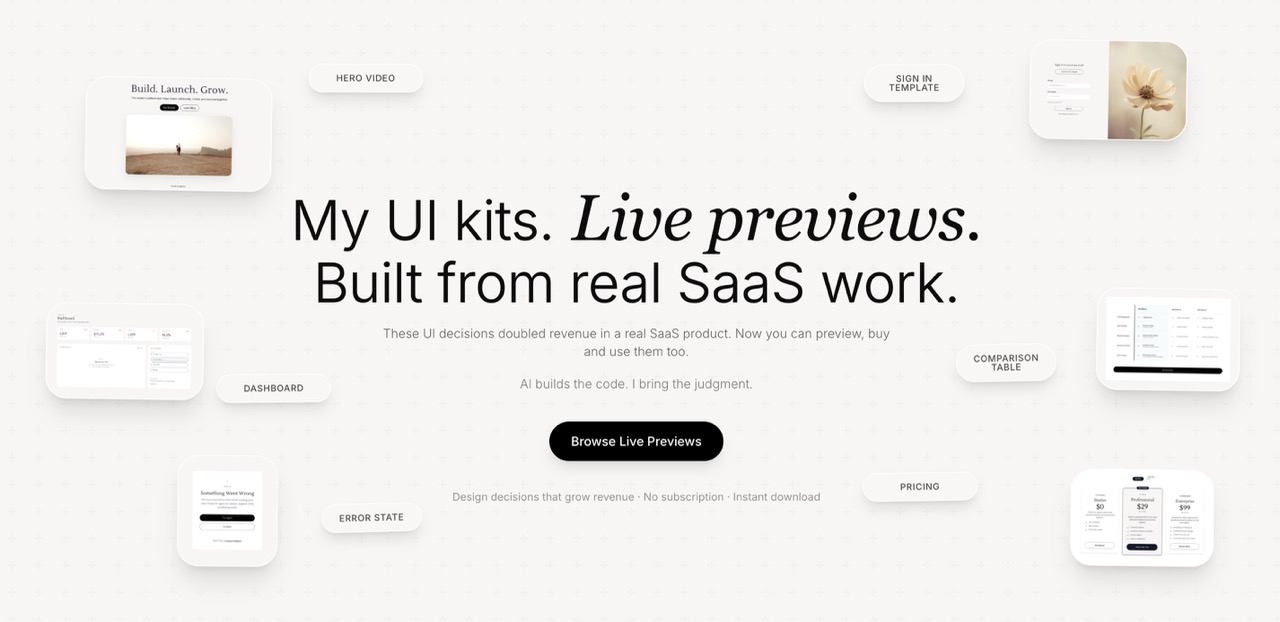
My kits are built with React, Tailwind CSS, and TypeScript, and include AI prompt guidance so you can implement a cohesive UI quickly and focus on launching instead of spending weeks tweaking design details.
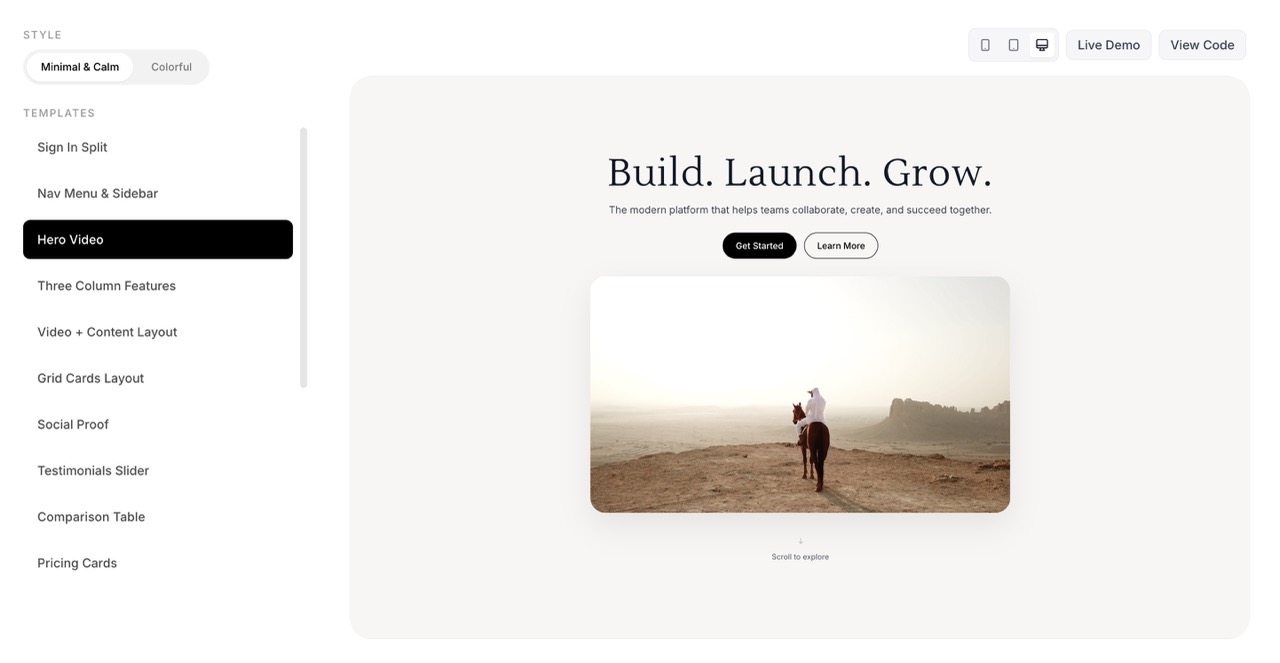
What Makes a Good SaaS UI Template?
If you're building a SaaS product, you probably want your UI to look clean, modern, and well put together.
But once you start building, you quickly notice that most libraries and SaaS UI templates rarely fit your needs perfectly. So you end up mixing different tools, components, and layouts.
In the early stages the result is often just "good enough", because your priority is launching the product and validating the idea.
Later, once your project gains traction or starts generating revenue, you might bring in a designer to refine the interface and improve the overall user experience.
Component libraries help by providing individual building blocks you can assemble. But even then, you are still responsible for making everything work together — visually and structurally — which can take a lot of time.
A good SaaS UI design template should therefore include the core foundation of a product interface, such as:
- A strong hero section
- Structured content sections
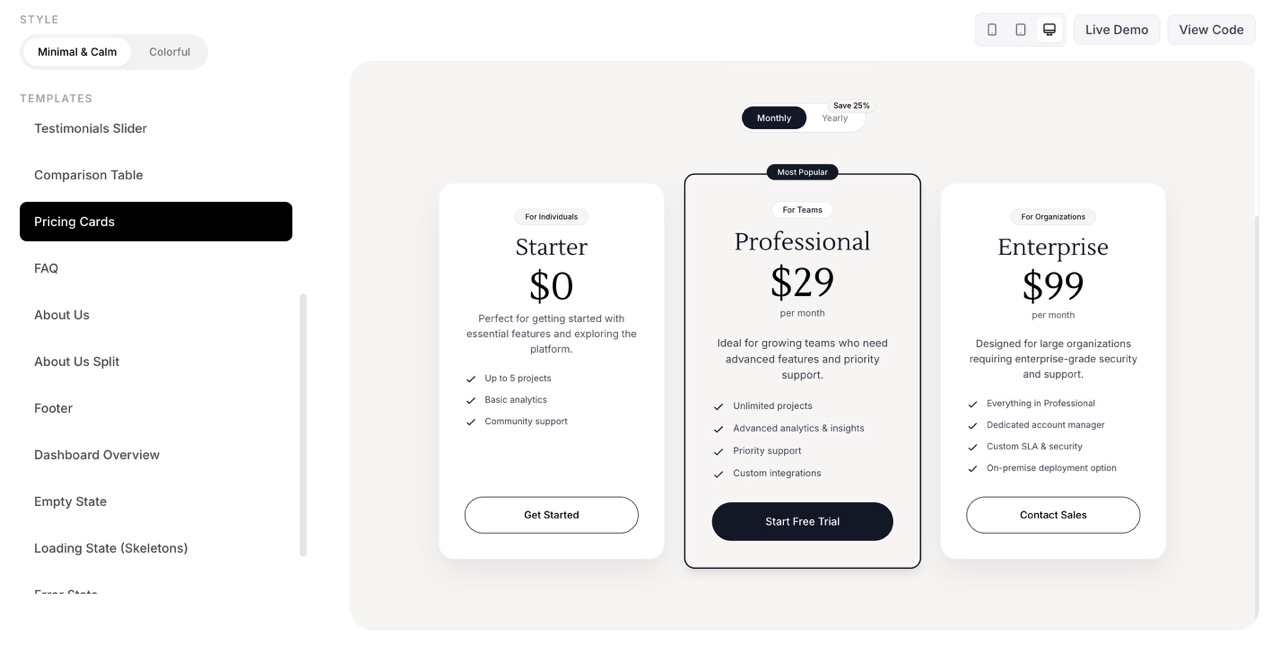
- Pricing layout
- Authentication pages (login / signup)
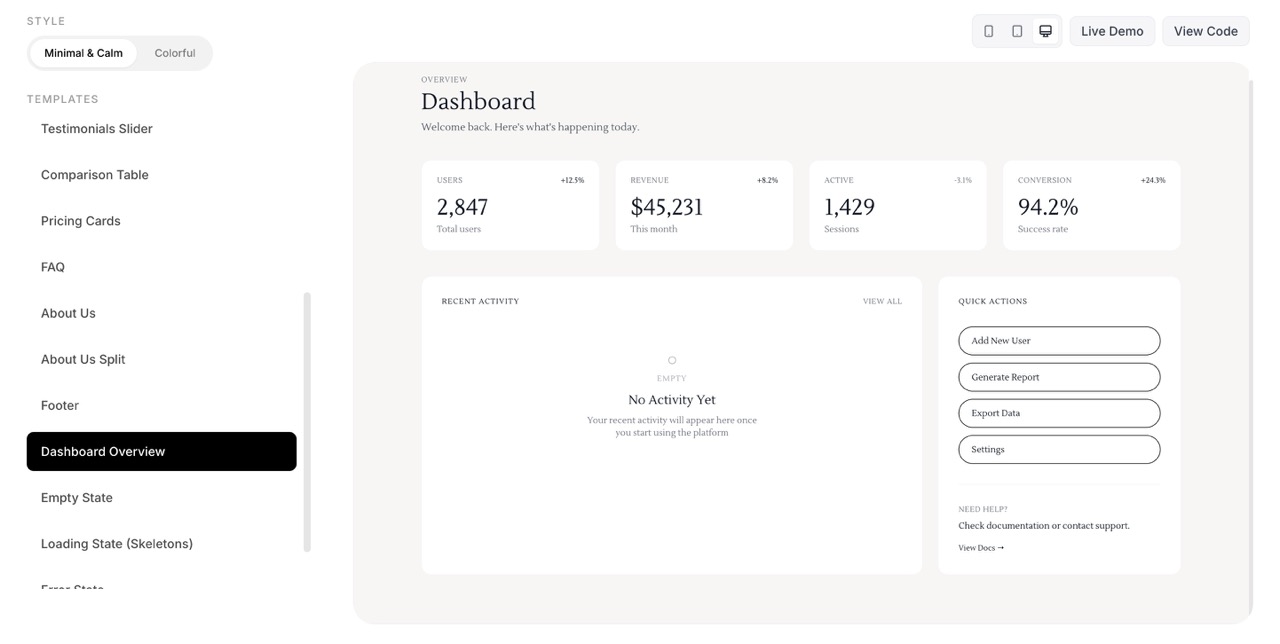
- Dashboard UI
- Settings pages
- Error and empty states
- Responsive layouts for mobile and tablet
Most importantly, everything should feel cohesive.
Your landing page, product dashboard, and onboarding experience should feel like they belong to the same product — not like separate pieces glued together.
Best SaaS UI Design Templates for Your Project
The best SaaS UI template kits are easy to implement, cohesive, and cover most of the necessary parts of a SaaS product.
Because your project is rarely just a landing page.
You will usually also need:
- A product dashboard
- Onboarding screens
- Account pages
- Pricing flows
- User settings
- Marketing pages
A strong React Tailwind SaaS template should support both the marketing website and the application interface, so your product feels like one unified system.
Comparison Table
When choosing a SaaS UI kit, here's how some popular options compare:
Itsmarta UI Kits — React + Tailwind + TypeScript. Best for developers building modern SaaS products. Includes conversion-focused SaaS UI templates with AI prompt guidance.
TailAdmin — Tailwind + React. Best for dashboard-heavy applications.
Flowbite — Tailwind. Best for developer teams looking for a broad component library.
shadcn/ui — React + Tailwind. Free. Best for building custom design systems from primitives.
How to Choose the Right SaaS UI Template
When choosing a Tailwind SaaS UI template, there are a few things worth paying attention to.
Cohesion — All pages should feel like part of the same design system.
Implementation speed — You should be able to integrate sections quickly without rewriting everything.
Responsiveness — Layouts should work smoothly across desktop, tablet, and mobile.
Real SaaS patterns — Good templates include modern SaaS dashboard layouts, onboarding flows, and settings pages — not just landing pages.
Design quality — Small details matter: spacing, typography, button hierarchy, and color systems.
These details are often what separates a professional product from a "side project" look.
Why Many SaaS Founders Use UI Templates
If you're building a SaaS product, UI templates can significantly reduce development time.
Some of the biggest benefits include:
- Faster product launches
- Lower design costs
- Proven UX patterns
- Consistent UI systems
- Easier scaling of new features later
Instead of reinventing every layout, you can focus on building the product and getting your first users.
Popular Tech Stacks for SaaS UI Templates
The most common tech stacks for modern SaaS UI templates include:
React — The most widely used frontend library. Most SaaS UI kits are built with React because of its component-based architecture and massive ecosystem.
Tailwind CSS — Utility-first CSS framework that makes it easy to build responsive, production-ready interfaces. A React Tailwind SaaS template gives you speed and flexibility.
Next.js — The go-to React framework for SaaS products. Server-side rendering, API routes, and file-based routing out of the box.
TypeScript — Type safety that catches bugs early. Essential for any serious SaaS product codebase.
If you're building a SaaS product and want a design that actually converts users into customers, choosing the right SaaS UI design template can save weeks of work.
A well-designed SaaS UI kit gives you a structured starting point, so you can focus on building features and getting your product into users' hands.
If you're looking for conversion-focused SaaS UI templates built for developers, you can explore the kits here: Itsmarta UI Kits.
Keep reading
More from the magazine
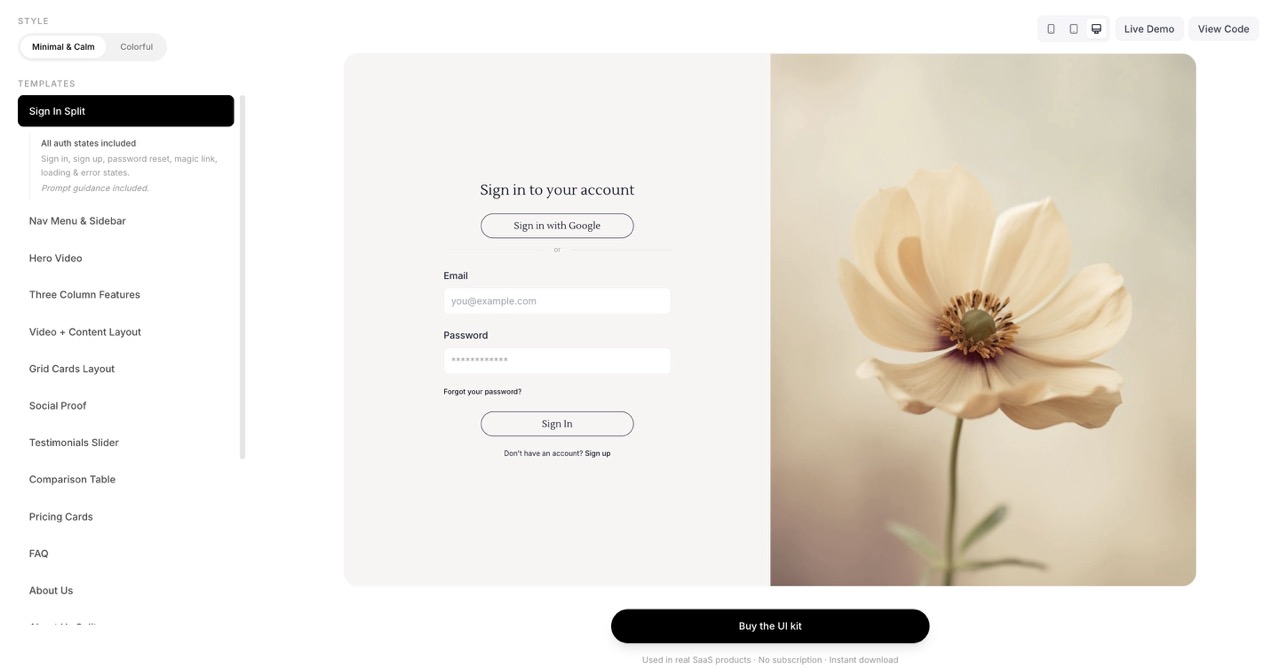
10 UI Sections I Reuse in Every SaaS Product
The 10 UI sections I reuse in every SaaS product — and the kit I built from them. React, Tailwind, instant download.
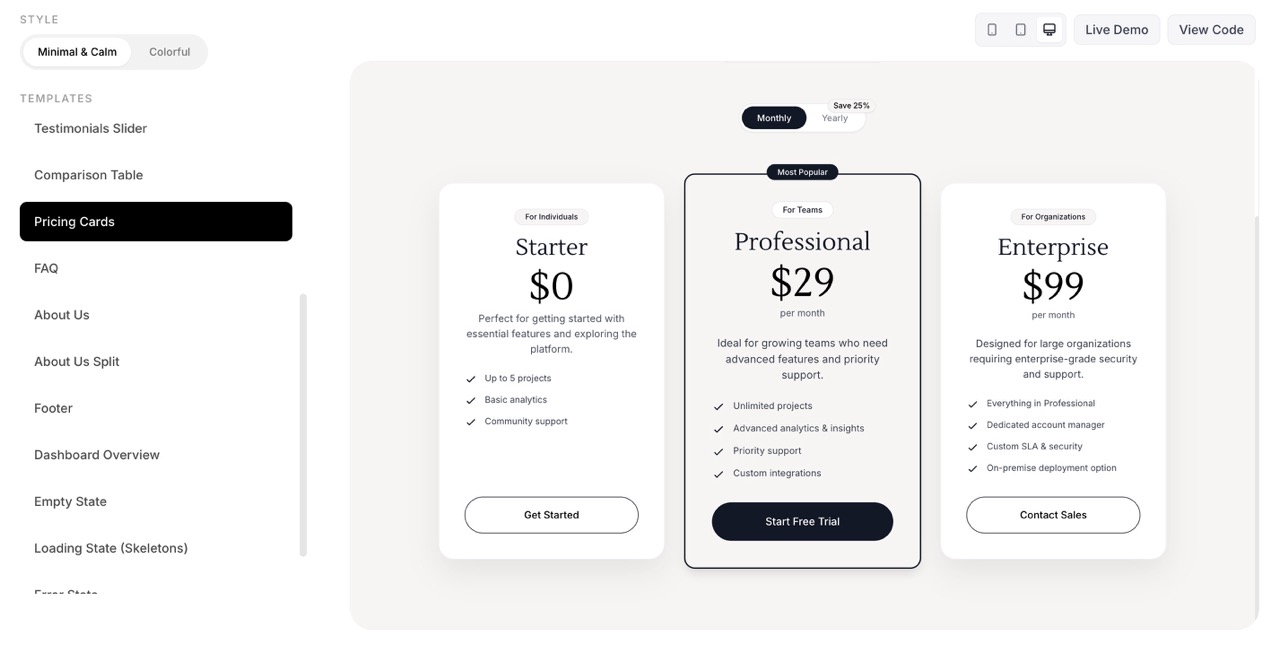
I Built UI Kits From Real SaaS Work — You Can Drop Them In for a Polished UI
These UI kit sections come from real SaaS products I've built. They're designed to drop into any project — AI-generated or not — and make it look like a finished product.
These UI decisions doubled revenue in a real SaaS product. Now you can preview, buy and use them too.